
BLOGS > OCTOBER 16, 2024
Want to know what goes into setting up a Follett Book eFair before taking the leap and delighting students, parents, and staff with your own? Read on for how to set up this special literacy event for your school community!
A Follett Book eFair is an online book fair. A fair for everyone, if you will. It’s a fun and easy way to get the book fair experience without the hassle of setting up and running a physical fair.
Follett Book eFairs can help build excitement around reading in your school by providing students with a wide selection of favorite books.
Here are just a few more benefits of hosting a Follett Book eFair:
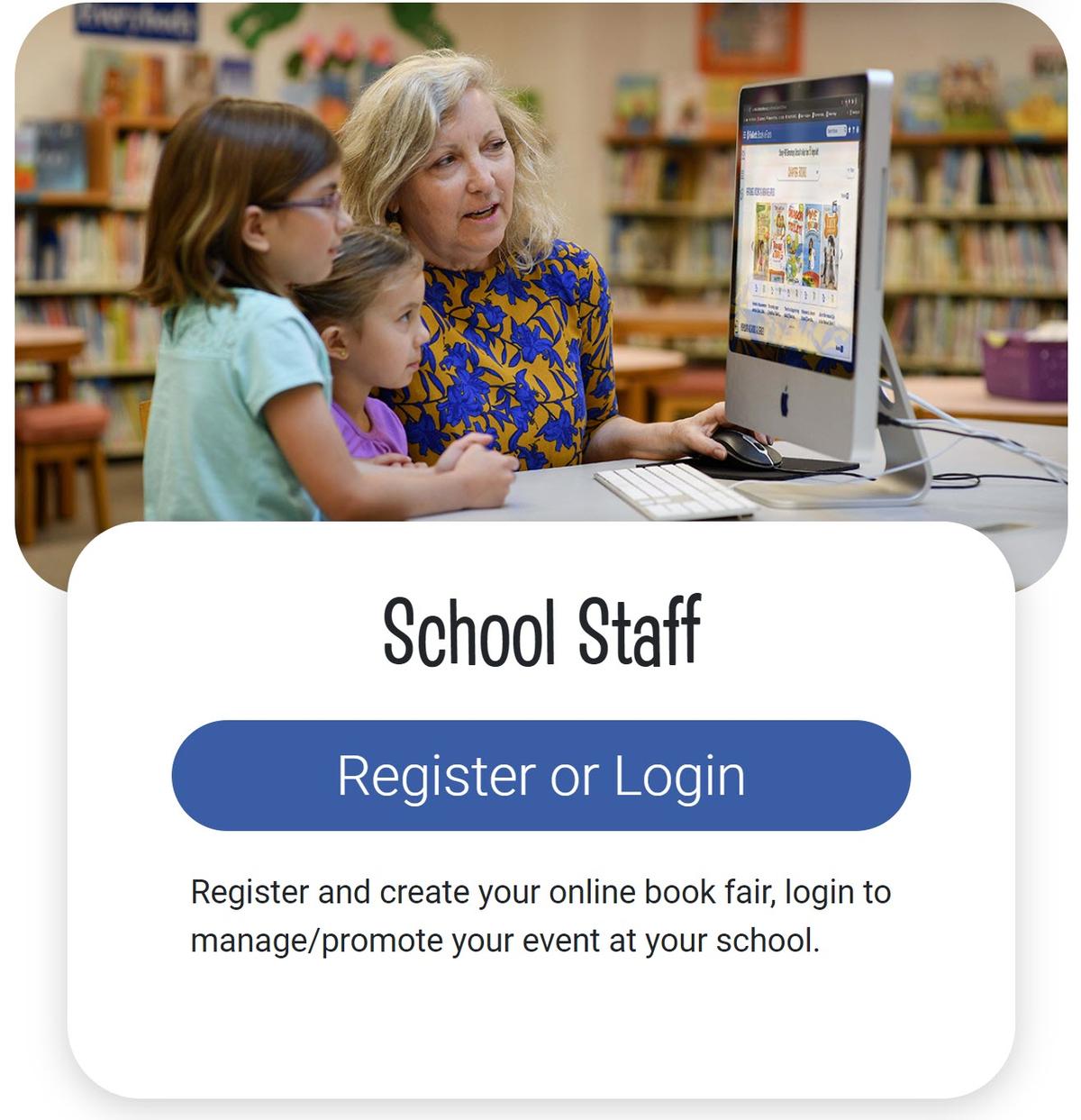
You’ll use our website to register, create, organize, and manage your online book fair. This site is also where families and students shop your Book eFair with their unique code.
Click the Register or Login button to get started on your Follett Book eFair journey.
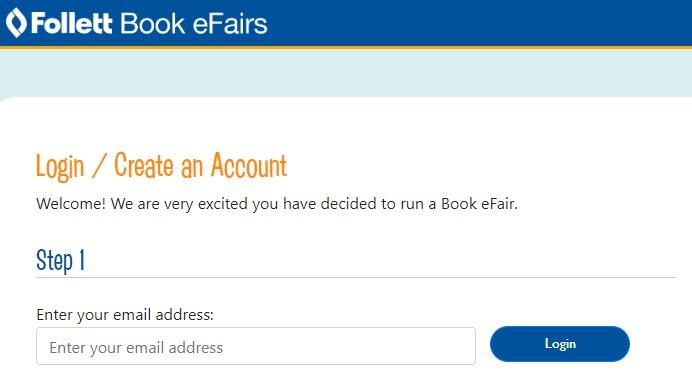
Enter your school email address.
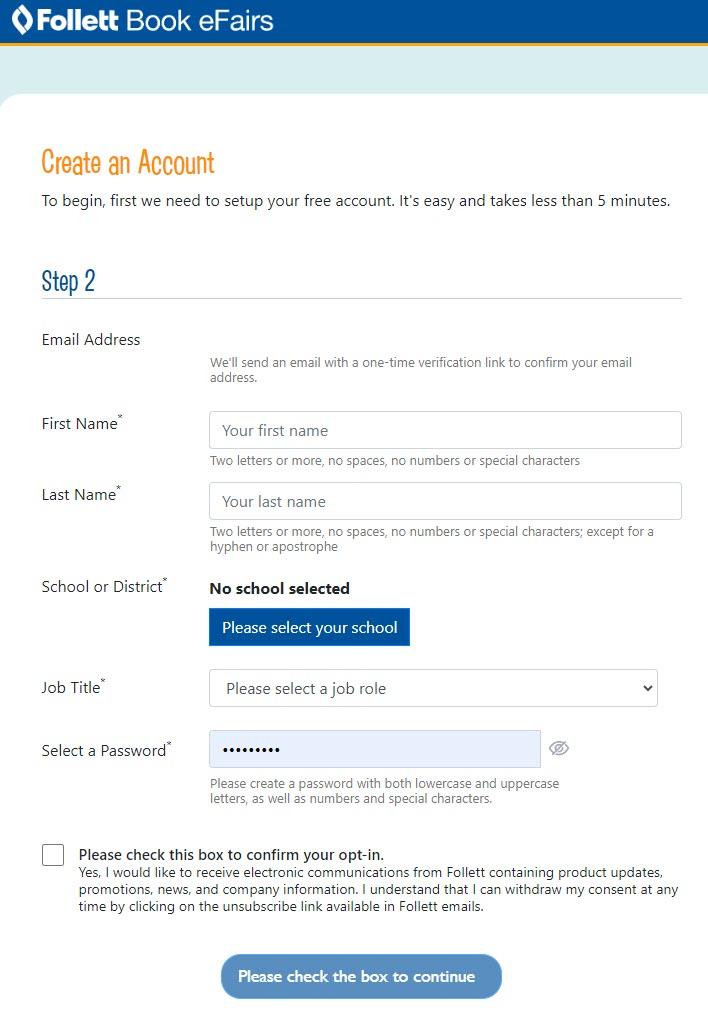
Enter your first and last name, choose your school/district, enter your job title, create a password, check the box to opt in, and then click the blue button at the bottom to continue/verify your email address.
Complete the verification process by clicking the link in the email you’ll receive, and you’ll be logged in to the site! You’ll also receive a short Welcome email to confirm your account is all set.
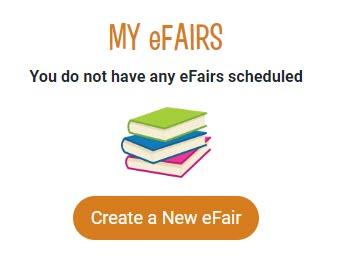
When you’re ready to create your event, click the orange Create a New eFair button.
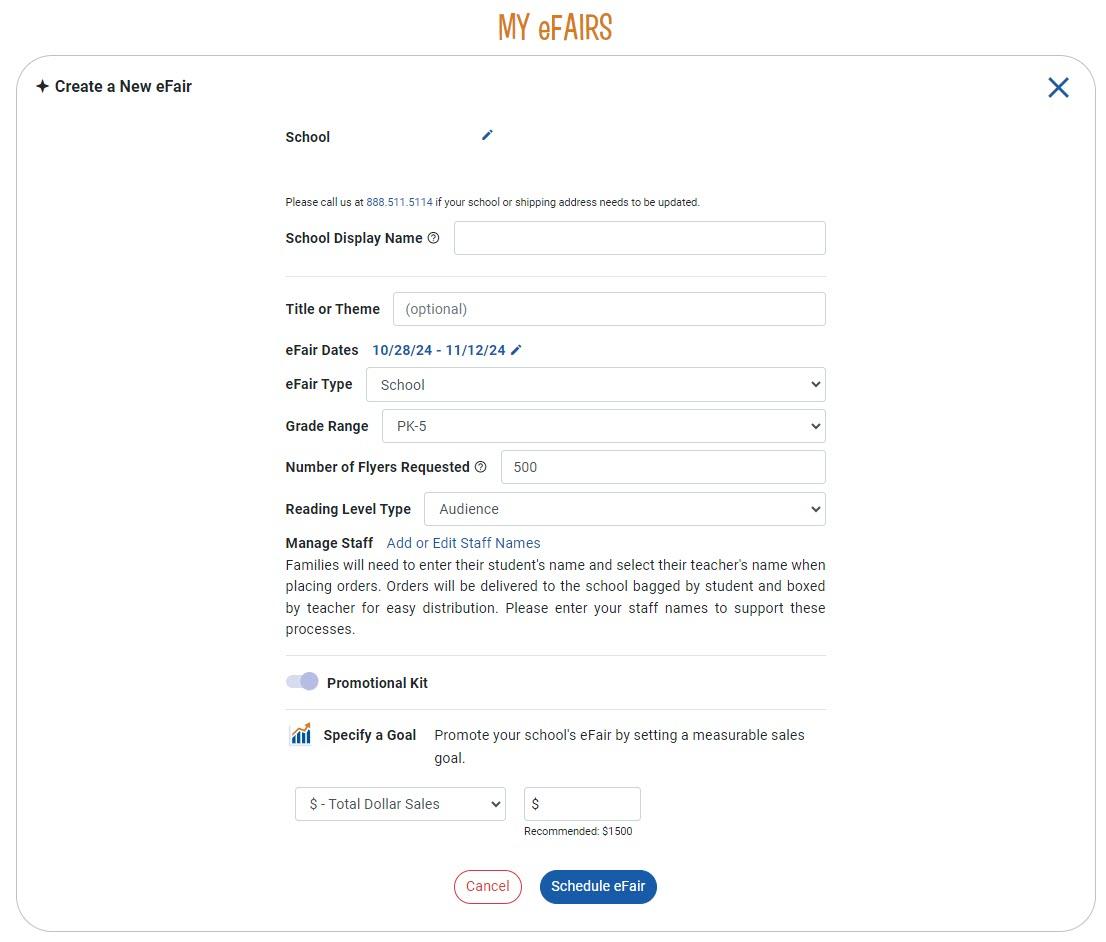
Now, the fun begins!
Enter your optional title/theme, choose your eFair dates, eFair type (Are you running it for the whole school or just a classroom?), grade range, number of flyers needed, reading level type, staff names (teachers) who’ll be participating/receiving bagged orders (Don’t worry, you can complete this later under Settings.), specify a sales goal you’d like your school to reach (either sales amount or number of books purchased), then click the blue Schedule eFair button.
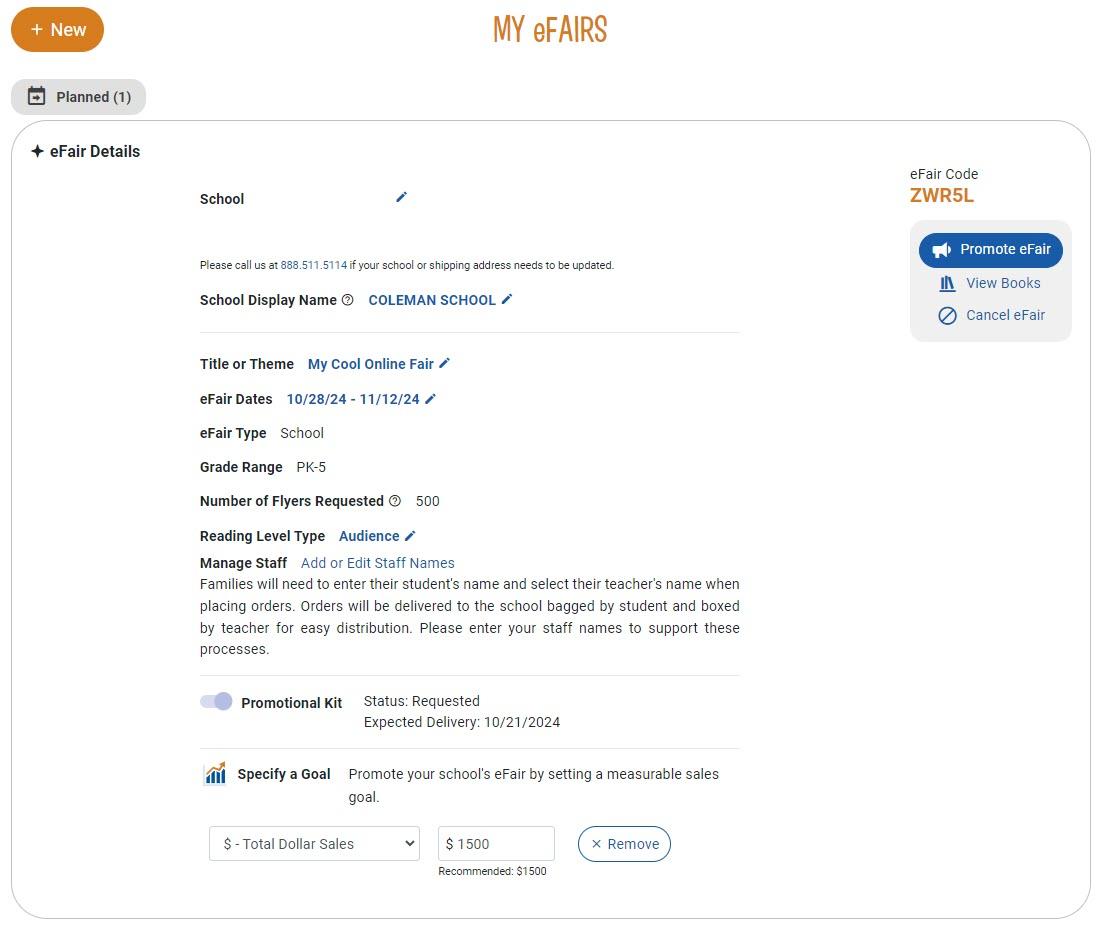
You’ll receive a “Success!” message and be returned to the screen below confirming all your details along with your shiny new eFair Code to share with your school community!
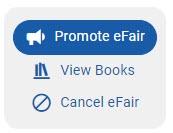
Beneath your eFair code on the right, you’ll also see buttons for promoting/sharing your Book eFair, viewing books to add, or cancelling your event. You'll also see a button for viewing orders once they start coming in.
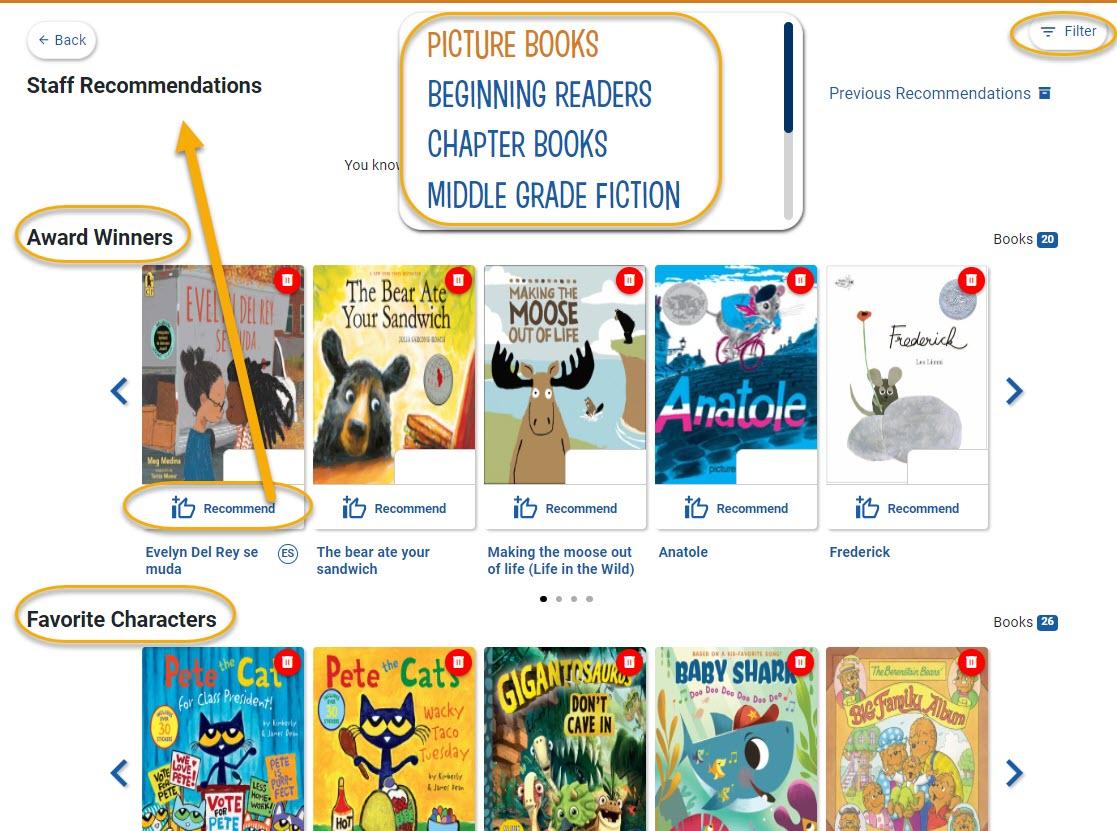
Click the View Books button to see the various ways to add books from our huge selection to your Book eFair.
You can also remove titles from your Book eFair by clicking the red trash icon at the top right corner of each book.
We’ll send you a free promotional kit two weeks before the start of your Book eFair to help you generate excitement and spread the word.
Your kit will include full-color:
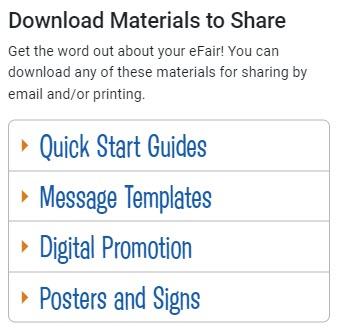
You’ll also have access to additional digital resources through the website, including social media graphics, web banners, family letter templates, and much more! Simply download and print. Click the Promote eFair button to get started.
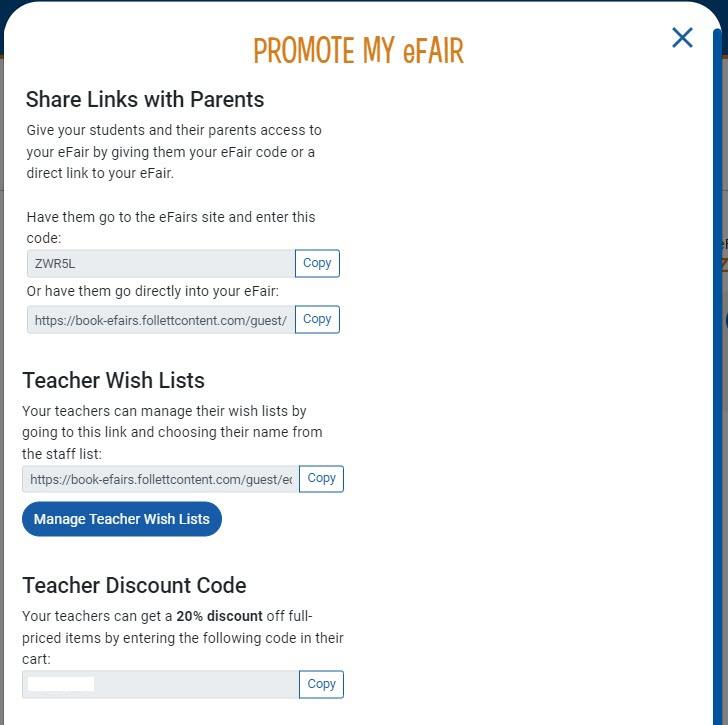
A pop-up will display your custom eFair code, links to share with parents, links for your teachers to manage their Wish Lists, and the teacher discount code so they can receive 20% off full-priced items.
Well, you’re on your way to hosting the greatest online Book eFair there ever was! Approximately one week after your fair closes, we’ll send you an email with redemption instructions to use your Titlewave® Credit* to select from more than 5 million books, eBooks, classroom sets, and supplemental guides!
Learn more about Follett Book eFairs from trusted Teacher Librarian Shannon McClintock Miller who hosted her own event and shares some great insights in her blog post:
We love our online Book eFairs and think you will, too. Here’s to great books, school rewards, and strong, independent readers! Have questions about Follett Book eFairs? Contact us. We’re ready to help.
*Titlewave® Promotional Credits are valid for two years from date issued.
5 Ways to Refresh Your School Library Collection
August 21, 2026
Before students return for a new school year, many librarians focus on weeding shelves and ordering new books. But a truly effective collection refresh starts with understanding what your data, circulation trends, and community needs are telling you.During a recent...
Read more
An Author Interview with Bao Phi
August 21, 2026
From the Caldecott Honor-winning creators of A Different Pond comes a new picture book that encompasses three generations, two languages, and one universal experience. Receiving a starred review from Publishers Weekly, Ride/Dap Xe is a bilingual story in English and Vietnamese that explores...
Read more
Fall Library Planning Checklist for NYC Schools
August 14, 2026
The era of the “budget dance” is over for New York City’s school libraries thanks to the newly established baseline budget, giving librarians and media specialists greater budgetary confidence when planning collections. This summer, take advantage of this stability to...
Read more
An Author Interview with Ha Dinh
July 28, 2026
Ly-Lan Finds a Way is an illustrated early chapter book series for children ages 6-10 written by Vietnamese American author Hà Dinh. Through warm, relatable stories rooted in school life, family, and friendship, the series explores themes of resilience, empathy,...
Read more
July 17, 2026
Public libraries have spent the past year navigating a book vendor market in motion. If your library has been searching for a public library book vendor with real staying power – one whose ordering technology actually fits how your team...
Read more
Powering Summer Reading Through Partnership and Purpose
July 9, 2026
That’s the impact of this year’s Book Up Summer program, an annual literacy initiative led by Washington-based nonprofit Page Ahead that helps low-income students choose and take home books for summer reading.For the fifth consecutive year, Follett Content supported the...
Read more